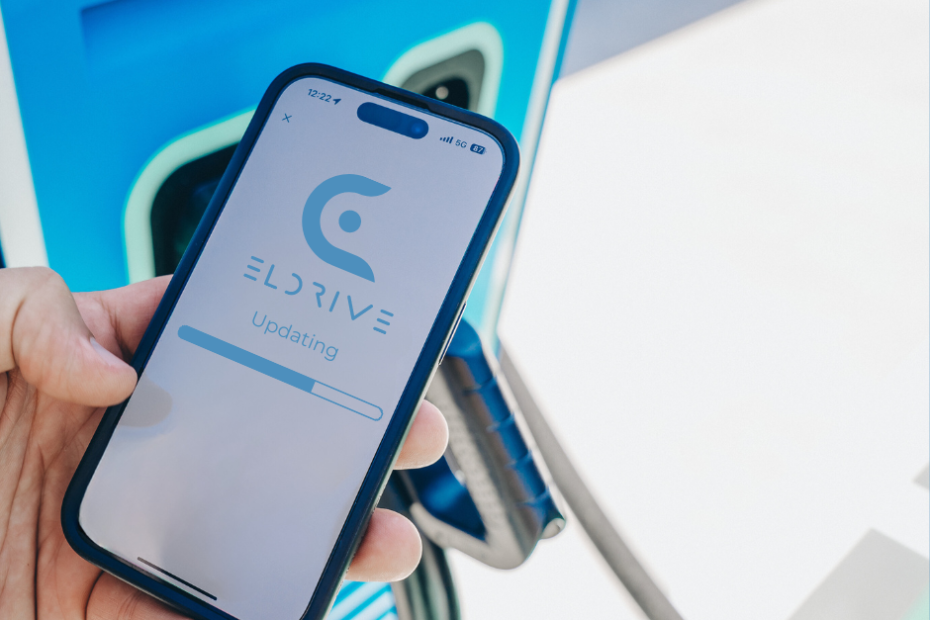
Please note that the Eldrive mobile app was updated overnight from 30 September to 1 October.
Important information about the app update:
Update: On 1 October the app will update automatically if you have automatic app updates turned on. Otherwise, you will need to update your mobile app manually on 1 October.
Password change: After updating the app, you will need to create a new password and re-confirm your email address.
Payment method: After updating the mobile app, you will need to update your payment method.
Transfer of RFID tags: Your existing RFID tags will be transferred to the new system automatically. All services will work as usual.
Changes to the terms and conditions: From 1 October, the new app rules and Privacy Policy will come into force; you will be able to read them and accept the changes after updating the app.
Updating the app
The latest version of the app will be available from 1 October. If you have automatic app updates turned on, the app will update automatically. Otherwise, please update it manually via Google Play or the App Store (you may need to delete and reinstall the app).
How to reset your password
To update or reset your password, follow these steps:
- Open the Eldrive Lithuania app.
- Select your preferred language in the top right corner.
- Tap “Forgot password?” and enter the email address you used in the previous version of the app.
- Follow the instructions you receive by email to reset your password.
Adding a payment card
To add a payment card:
- Tap “Add payment method” in the menu bar.
- Enter your payment card details.
- Follow the on-screen instructions.
Instructions for users with automatic updates
When you open the Eldrive Lithuania app from 1 October, you will find an updated design and login screen:
- Select your preferred language in the top right corner.
- Tap “Forgot password?” and enter the email address you used before.
- Follow the instructions you receive by email to set a new password and log in.
What to do if you cannot update the app
If you cannot get the new app using the methods above:
- Completely delete the old Eldrive Lithuania app from your phone.
- Go to Google Play or the App Store, type “Eldrive Lithuania” into the search field and tap “Download”.
Additional important information
- New features: In the updated app you will find an improved user interface, faster performance and new features that will enhance your charging experience.
- Customer service: If you have any questions or run into difficulties, contact our customer service team – we are always ready to help.
- Privacy and security: We care about the security of your data. The update includes the latest security improvements to keep your information protected.


